A new markup typesetting system
Content from the webinar slides for easier browsing.
Markup languages
Markup languages define the formatting of documents. They are rendered by software.
Examples of markup languages:
- HTML (HyperText Markup Language) is a declarative, static markup language for creating web documents.
- TeX is a procedural, Turing complete markup language for typesetting PDF documents. (LaTeX is a set of macros built on it, making it easier to use).
- Markdown is a more recent, simple, easy to read and write markup language that can be used for both web and PDF. It is more limited than either HTML or LaTeX, but it can incorporate raw HTML and LaTeX code.
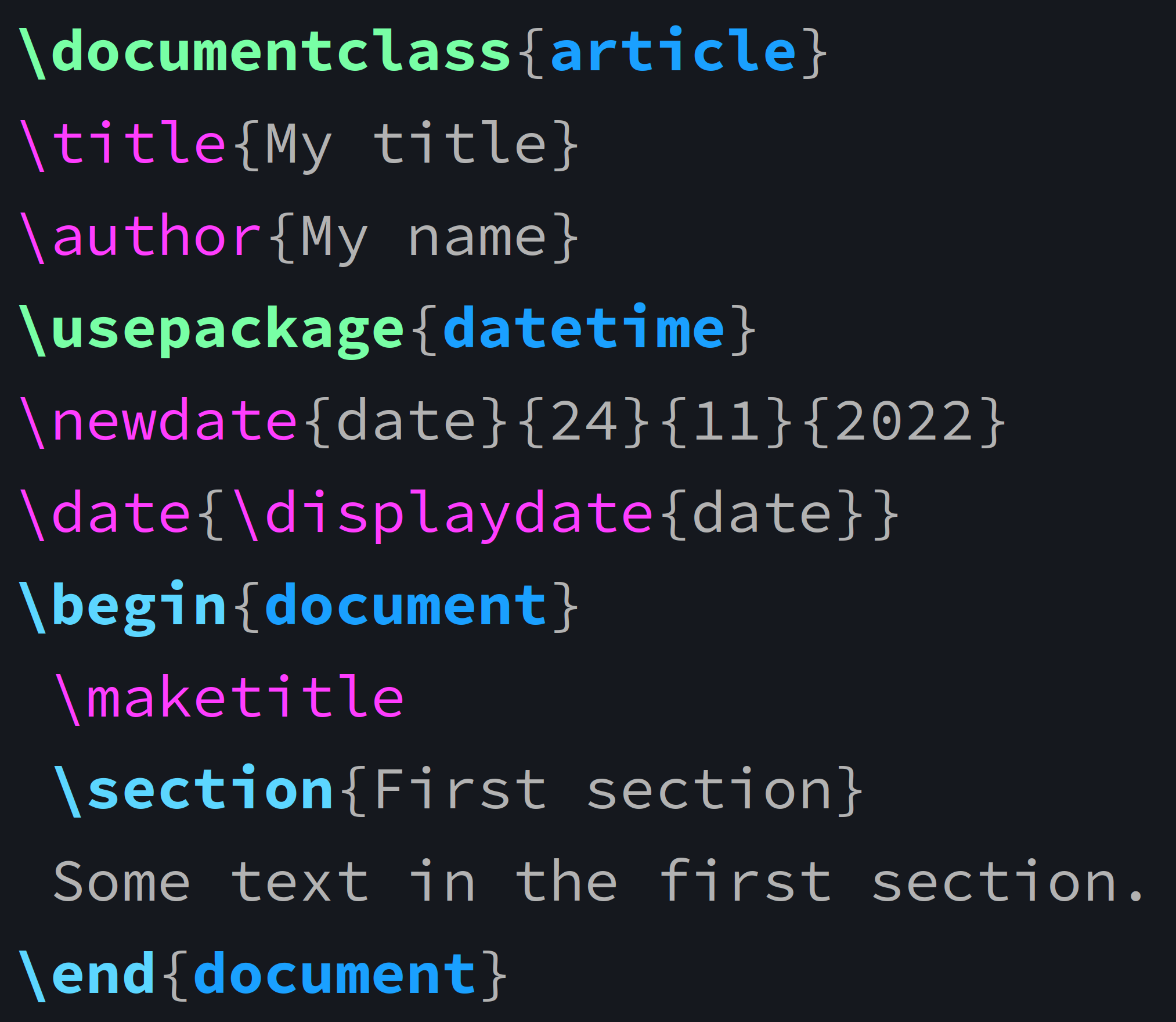
Example in LaTeX
\documentclass{article}
\title{My title}
\author{My name}
\usepackage{datetime}
\newdate{date}{24}{11}{2022}
\date{\displaydate{date}}
\begin{document}
 \maketitle
 \section{First section}
 Some text in the first section.
\end{document}
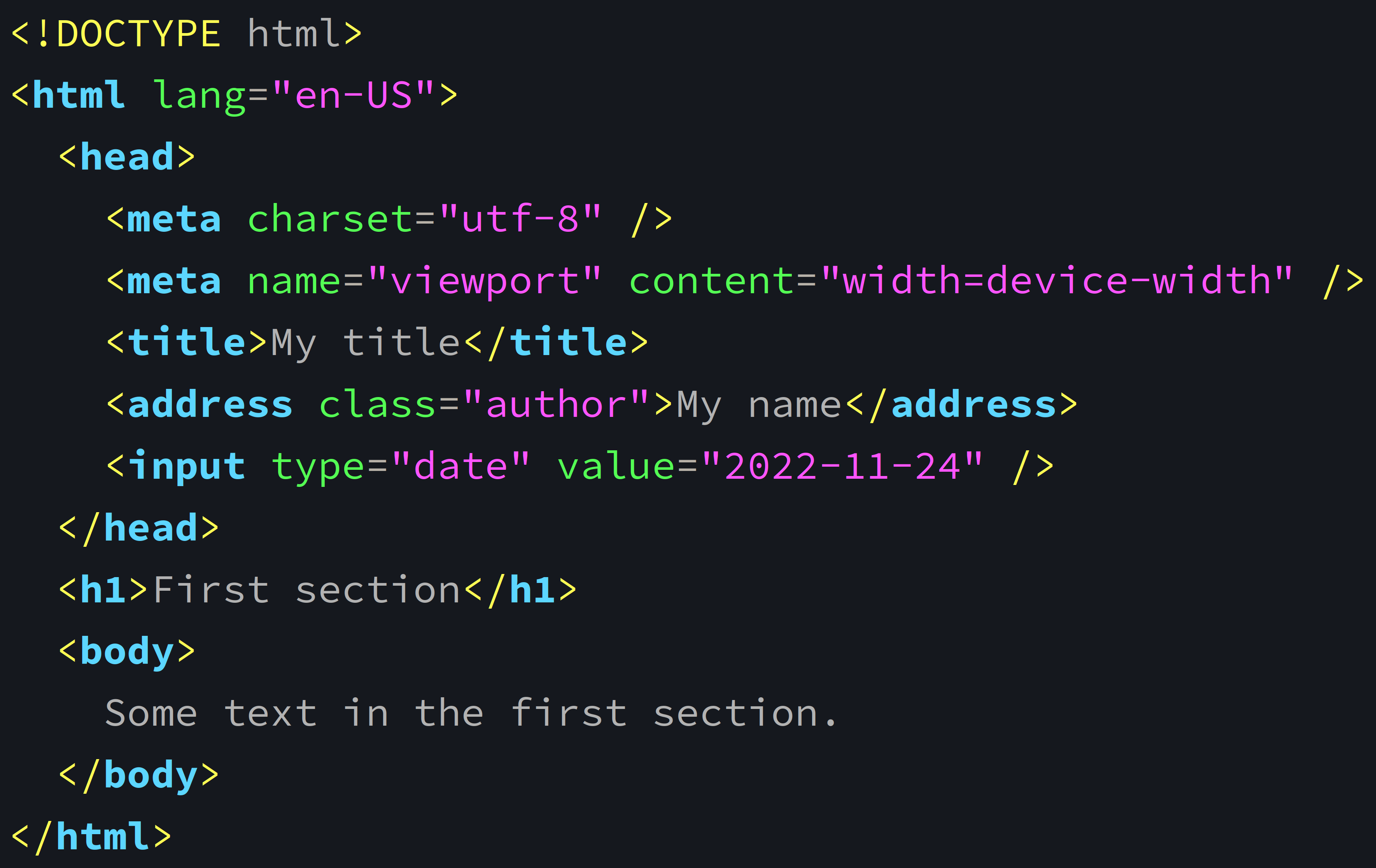
Same example in HTML
<!DOCTYPE html>
<html lang="en-US">
  <head>
    <meta charset="utf-8" />
    <meta name="viewport" content="width=device-width" />
    <title>My title</title>
    <address class="author">My name</address>
    <input type="date" value="2022-11-24" />
  </head>
  <h1>First section</h1>
  <body>
    Some text in the first section.
  </body>
</html>
Typst
A new markup language for typesetting documents (mostly a LaTeX replacement).
Exports to PDF, HTML, PNG, SVG.
Live preview thanks to its extremely fast open-source compiler written in Rust and to incremental compilation.
Has a modern programming language feel (modules, functions, variables, arrays).
Supported by pandoc.
Informative and actionable error messages!
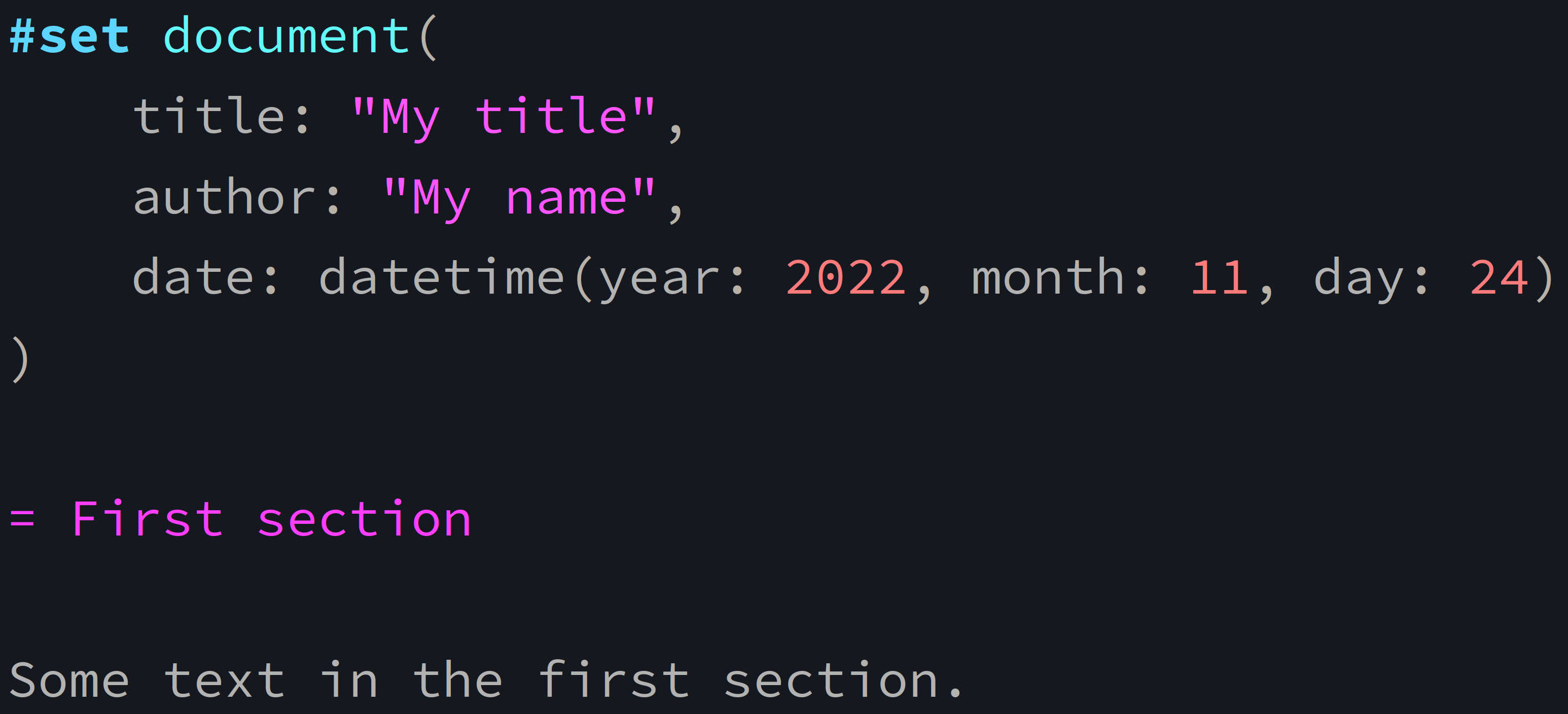
Previous example in Typst
#set document(
    title: "My title",
    author: "My name",
    date: datetime(year: 2022, month: 11, day: 24)
)

= First section

Some text in the first section.
Let’s compare
Limitations
Currently few journals and conferences accept Typst documents.
Package ecosystem smaller than LaTeX’s (but growing fast).
No direct equivalent to MathJax to use Typst math as is for HTML (but increasing integration with MathML).
This thread has suggestions and regular updates on this.
How to use Typst?
Web app
Typst comes with a web app (requires sign in, free and pro versions). It provides live preview, syntax highlighting, autocompletion, storage (and collaboration in paid version).
Equivalent to Overleaf for Typst (with the speed of course).
CLI
Open-source CLI utility. You can download the binaries or install it via your package manager or via Rust’s cargo.
Write text files with .typ extension in your favourite text editor.
Text editors integrations
Commands
Compile your source file with:
typst compile <your_file.typ> # creates PDFOr compile and watch it with:
typst watch <your_file.typ> # incremental compilation on changesHelp
For general info:
typst helpAnd for options on sub-command:
typst help <command>Example:
typst help watchAutomatic PDF refresh
If you use a PDF viewer that does not automatically refresh on changes, you can force it to do so.
Here is an example Bash function that opens a file with mupdf (replace by the viewer of your choice) and automatically refreshes it:
livepdf () {
    mupdf "$1" &
    echo "$1" | entr -p pkill -HUP mupdf
}
Use it with:
livepdf your_pdf.pdfSyntax
Markup
= Header level 1
== Header level 2
=== Header level 3
_italic_, *bold*, `monospace`

// Full-line comment
Some text  // End of line comment

Adding a \
line break
Inline equation: $e^(-2 pi i x xi)$
Block equation: $ e^(-2 pi i x xi) $
+ Numbered list item 1
+ Numbered list item 2
- Nested unnumbered item
- Nested unnumbered item
- More nesting unnumbered
- More nesting unnumberedProgramming-like syntax
// Functions
#image("img/wren.jpg")

// Variables
#let // Tests
#(1 < 2)

// Math functions
#calc.pow(-5, 2)
// Dictionaries
#let capitals = (
France: "Paris",
Japan: "Tokyo",
Canada: "Ottawa"
)
// Loops
#for (country, capital) in capitals [
- #capital is the capital of #country.
]Citations
Typst uses the hayagriva bibliography manager (written in Rust) with YAML files, which is compatible with BibTex.
Packages
Presentations
- polylux
- touying
- typst-pinit for equations labelling
Graphics
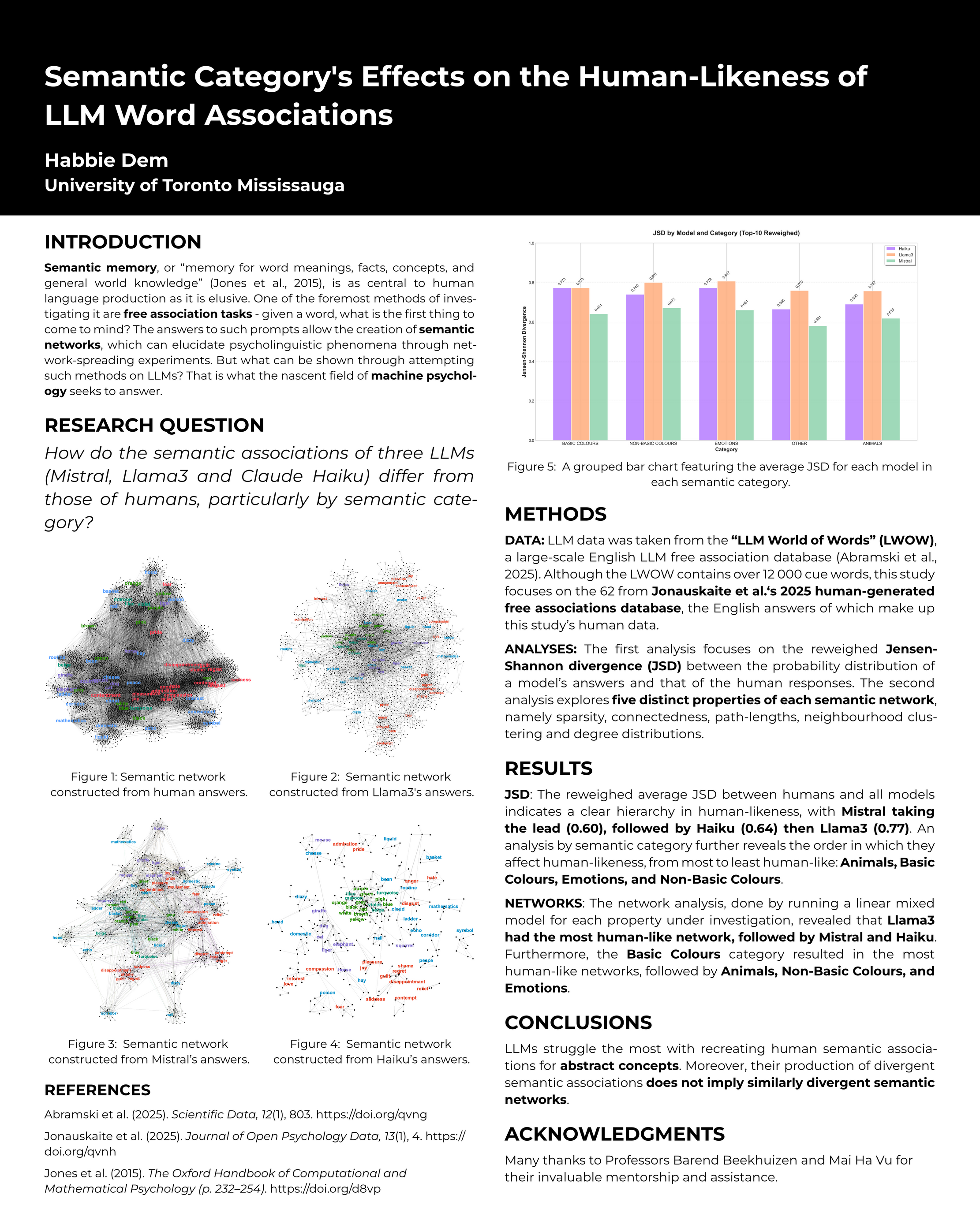
Academic posters
Music
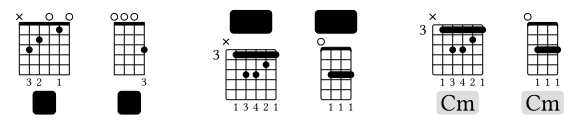
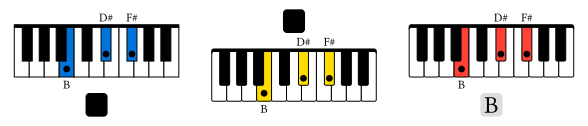
Games 🤔
- Did you say Tetris?
Resources
- Official documentation
- Typst universe
- Templates
- Packages
- Discourse forum
- Discord
- Blog
- Awesome-typst repo
- Usage in Emacs: typst-ts-mode; preview with typst-preview.el or tip
- Tinymist: integrated language service for Typst