What is Git?
Content from the intro slides for easier browsing.
First, we need to answer the question:
What is version control?
Whenever we work on important documents, we know that we should keep key versions.
Example:
- The version of a manuscript that we sent to our supervisor.
- The revised version after we addressed their comments.
- The revised version after we addressed reviewer comments.
- Etc.
Home-made versioning:
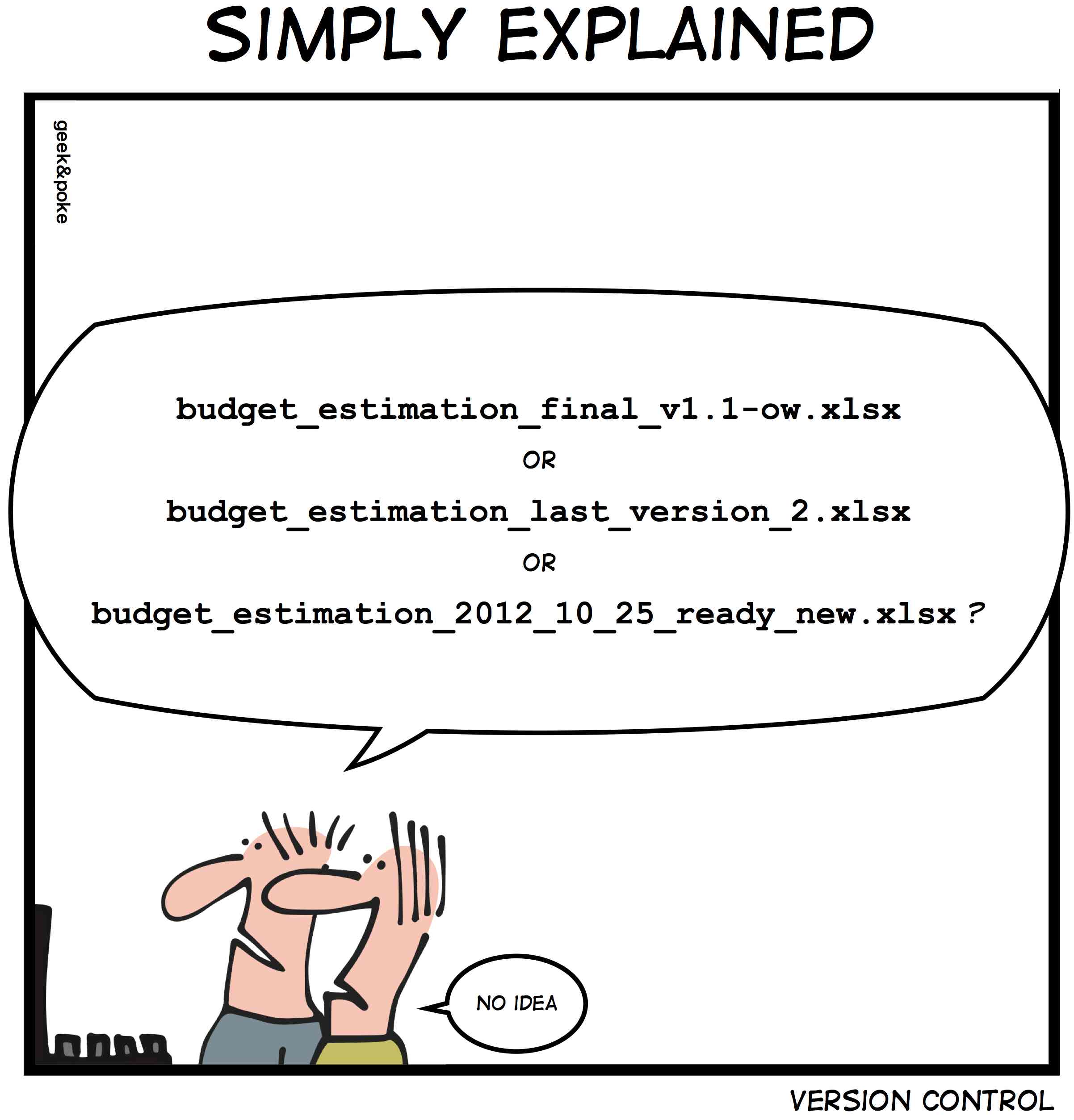
It is quite messy…
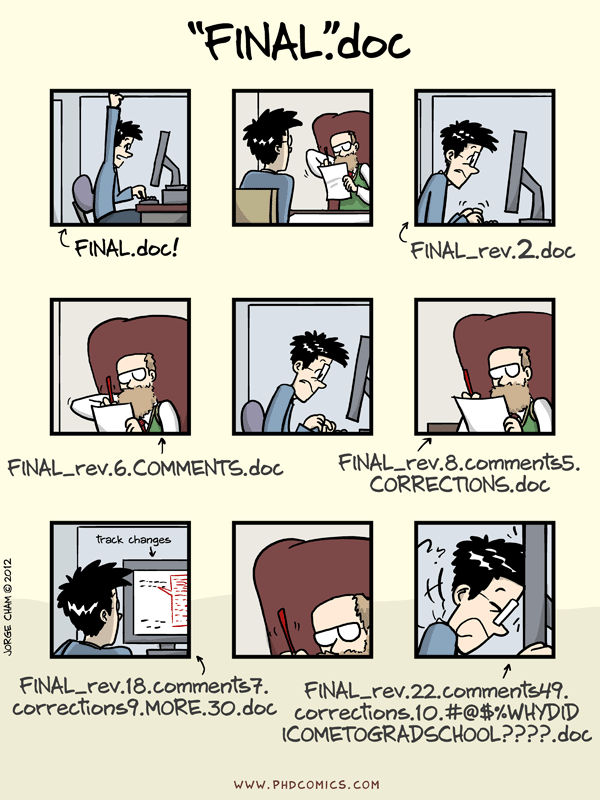
And inevitably, it leads to this:
Version control systems (VCS) are software that handle versioning effectively.
Which VCS should I use?
Several systems have been developed over the years with various functioning.
Then came Git…
Git
Git is an open source distributed VCS created in 2005 by Linus Torvalds for the versioning of the Linux kernel during its development. It introduced a powerful and light-weight branching system.
In distributed VCS, the full history of projects lives on everybody’s machine—as opposed to being only stored on a central server as was the case with centralized VCS. This allows for offline work and multiple backups.
Git is almost universally adopted.
How does Git work?
Git saves the history of a project as a series of snapshots:
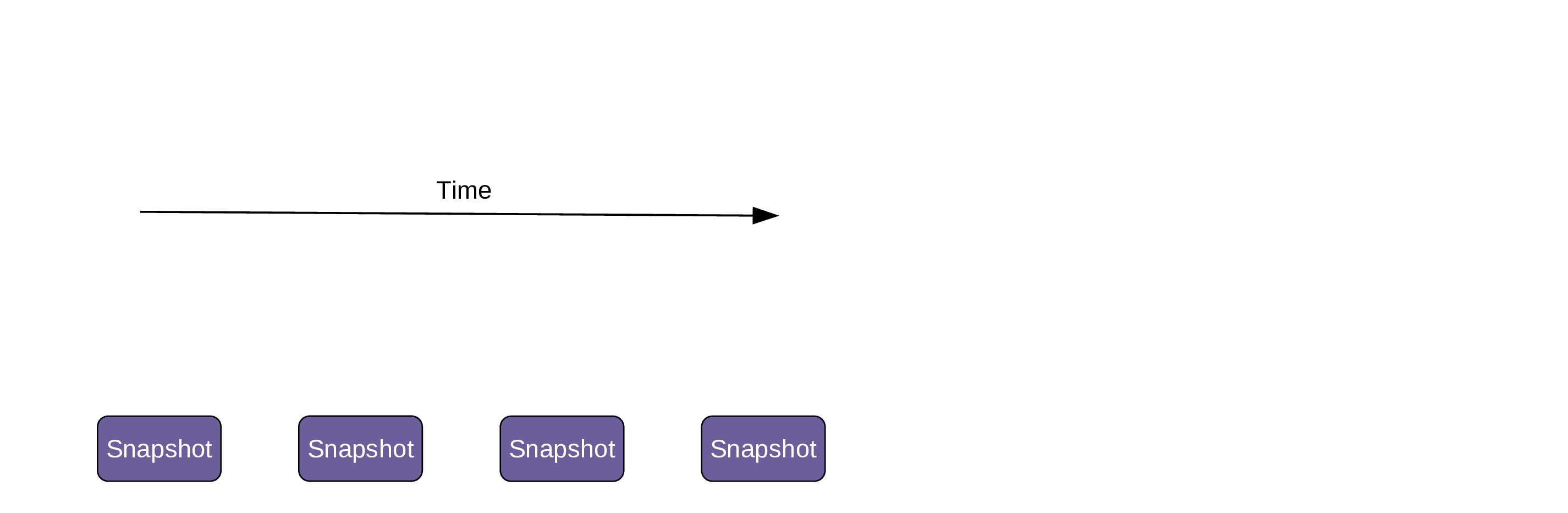
Git stores the data as blobs, doesn’t create unnecessary copies (unchanged files are referenced from old blobs), and uses excellent compression.
These snapshots are identified by commits:
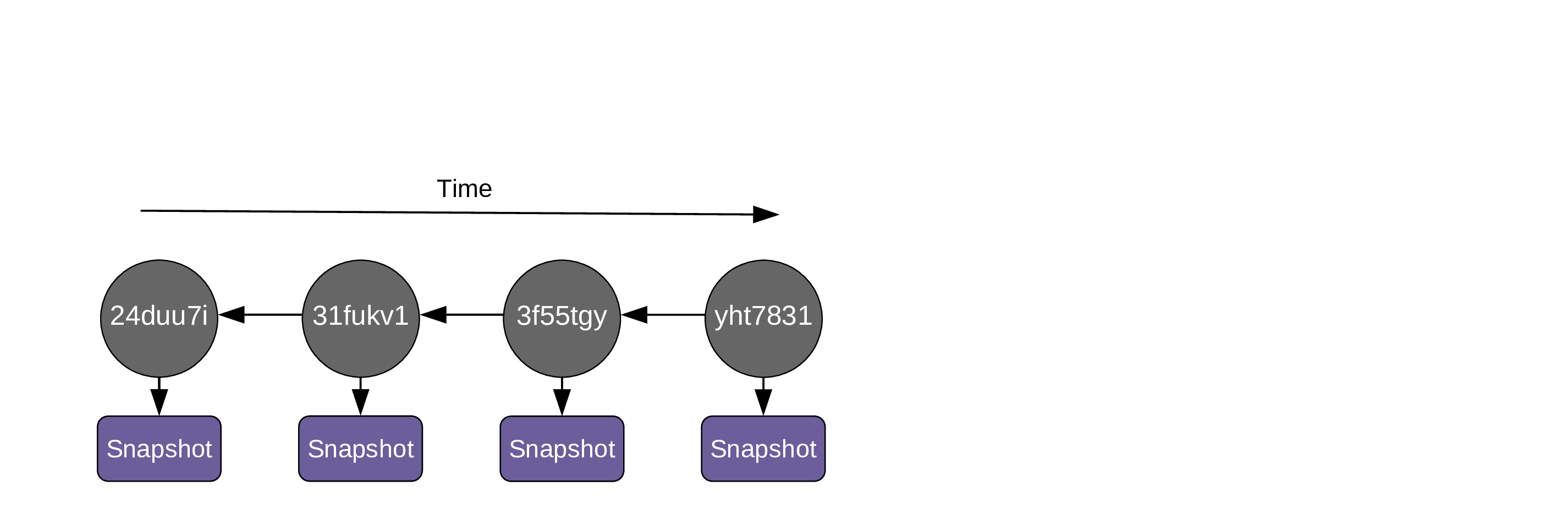
Each commit has a unique hash and contains the following metadata:
- Author.
- Date and time.
- The hash of parent commit(s).
- A descriptive message.
When you create the 1st commit, a pointer called a branch is created and points to it:
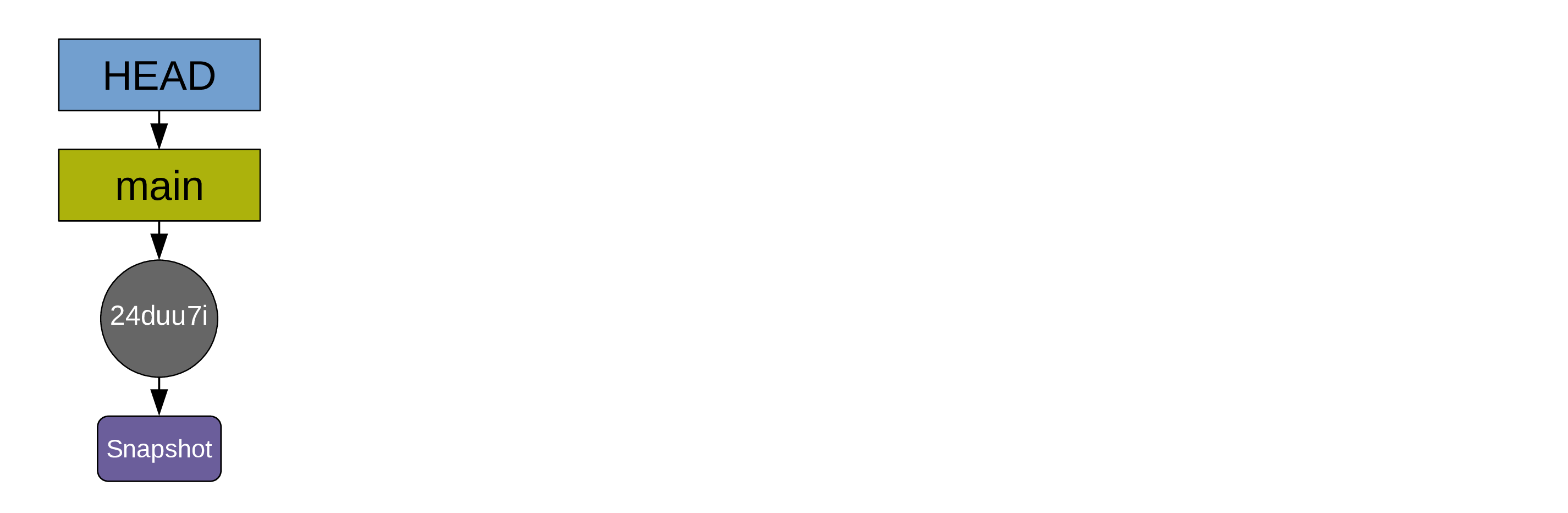
By default, that first branch is called main.
Another pointer (HEAD) points to the branch main. HEAD indicates where you are in the project history.
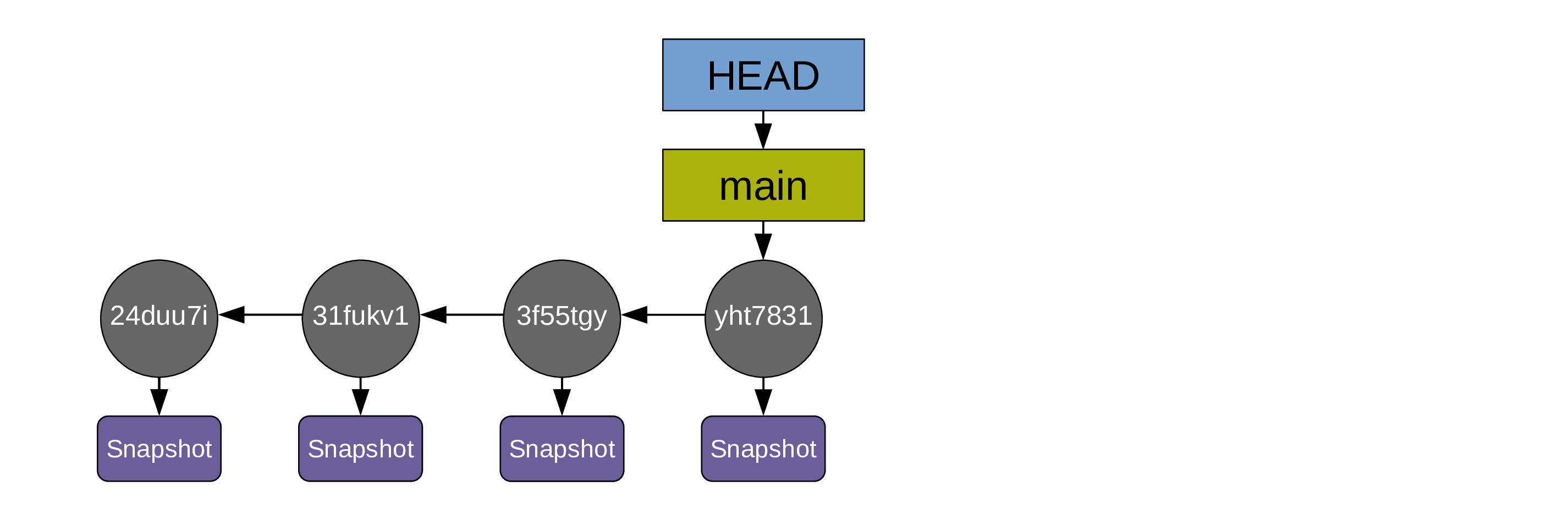
As you create more commits the pointers HEAD and main move automatically:
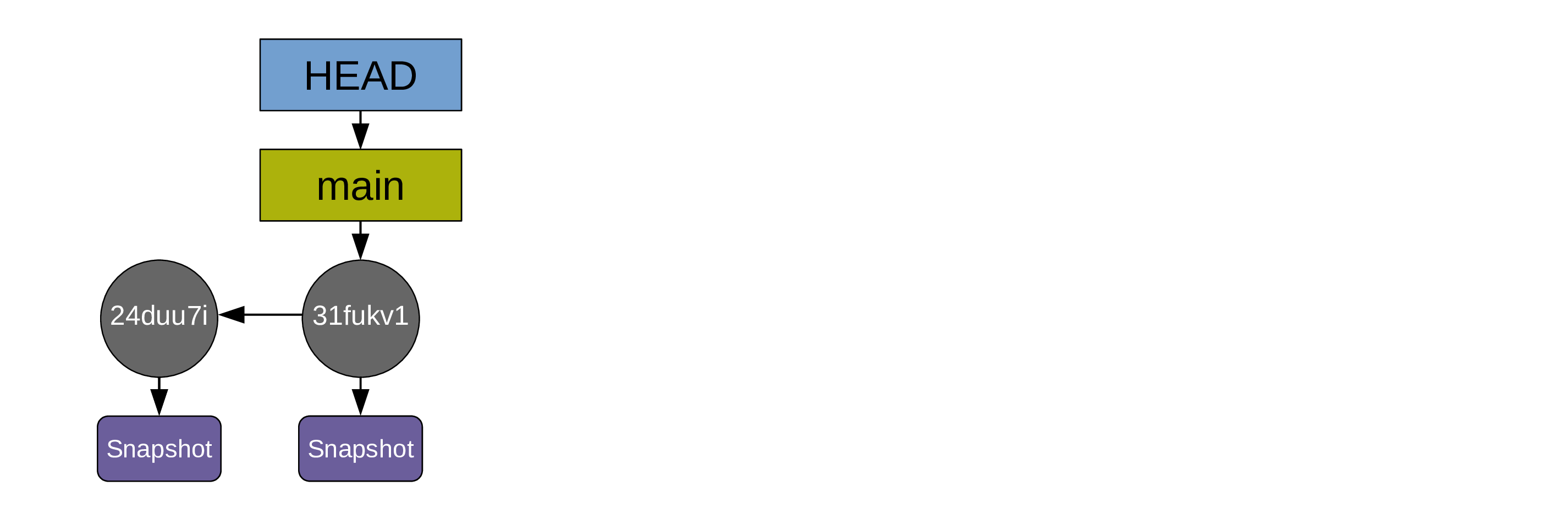
As you create more commits the pointers HEAD and main move automatically:
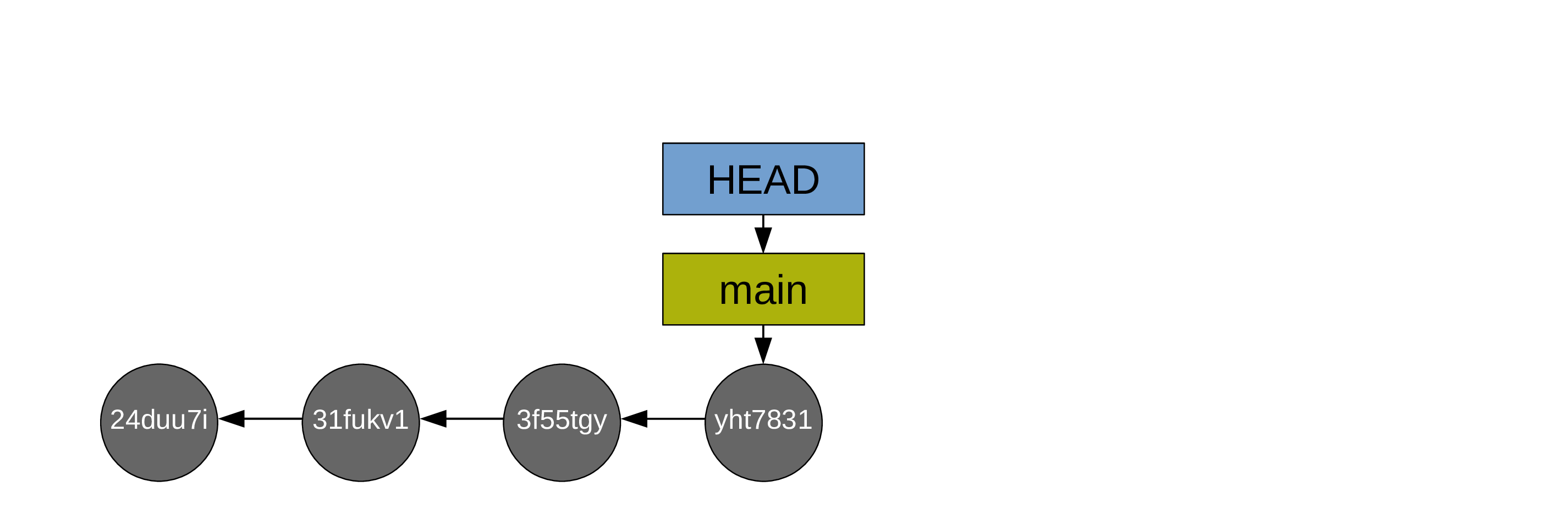
For simplicity, the diagrams can be simplified this way:
How can these commits be used?
You can revisit old commits by moving HEAD to them:
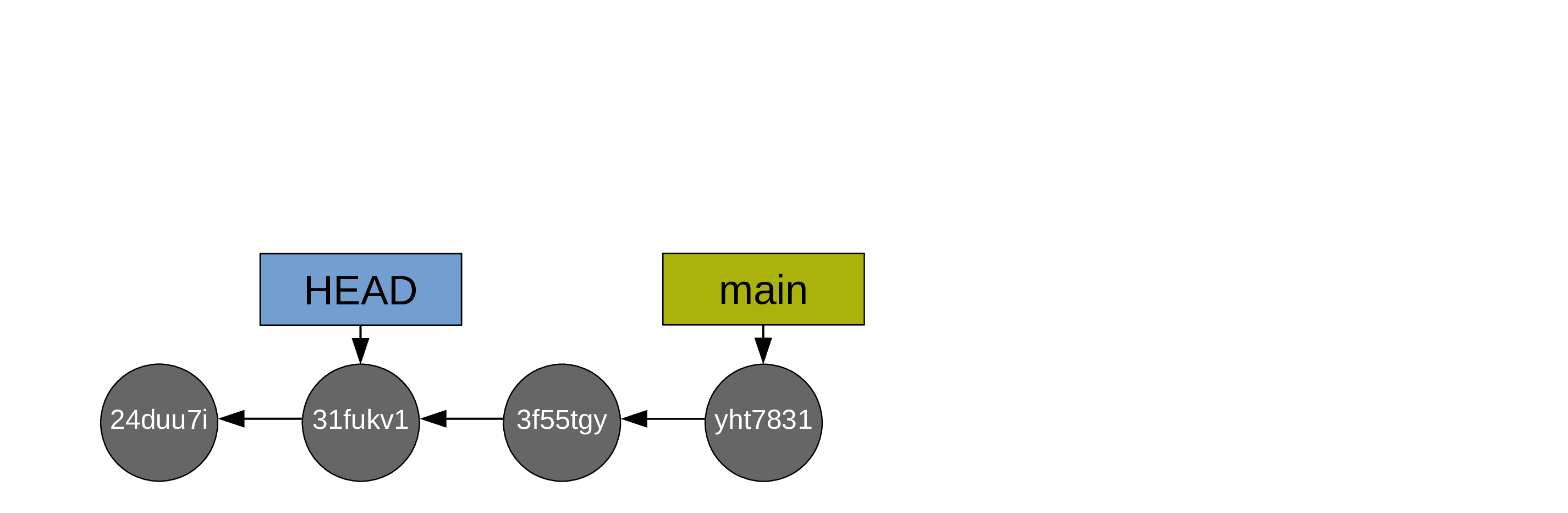
This will uncompress the corresponding snapshot and you can look at the state of your files at that commit before going back to your branch.
You can also print the differences between various commits.
You can create multiple branches to explore freely and safely:
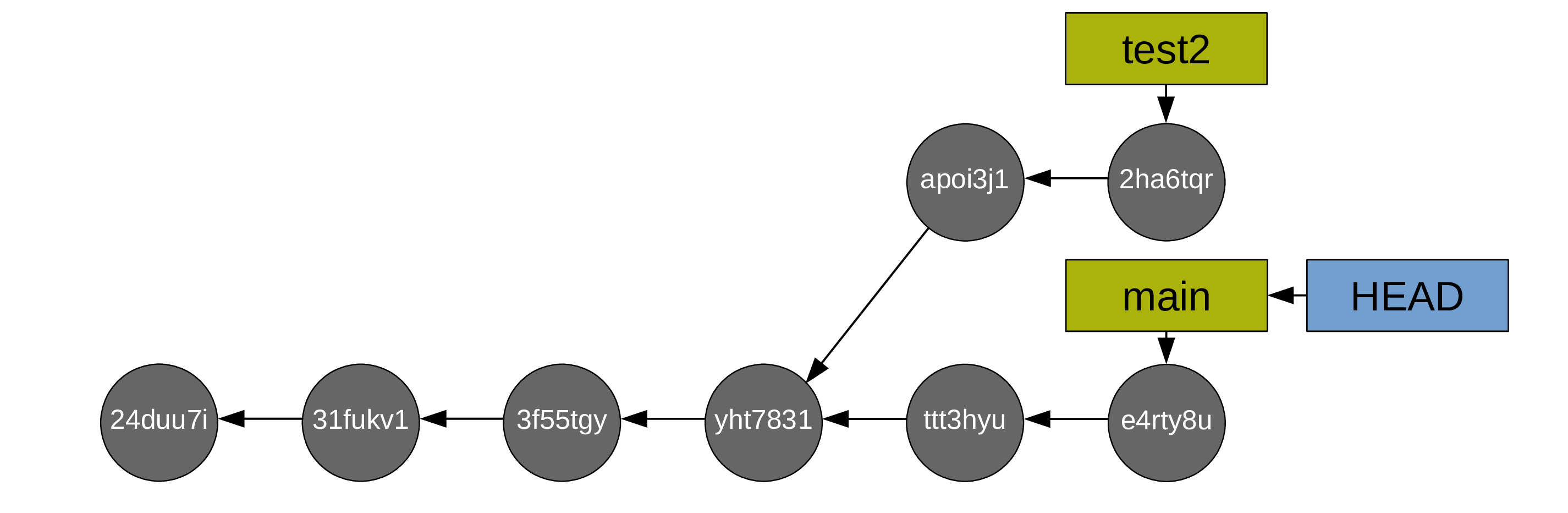
HEAD can be moved back and forth between branches.
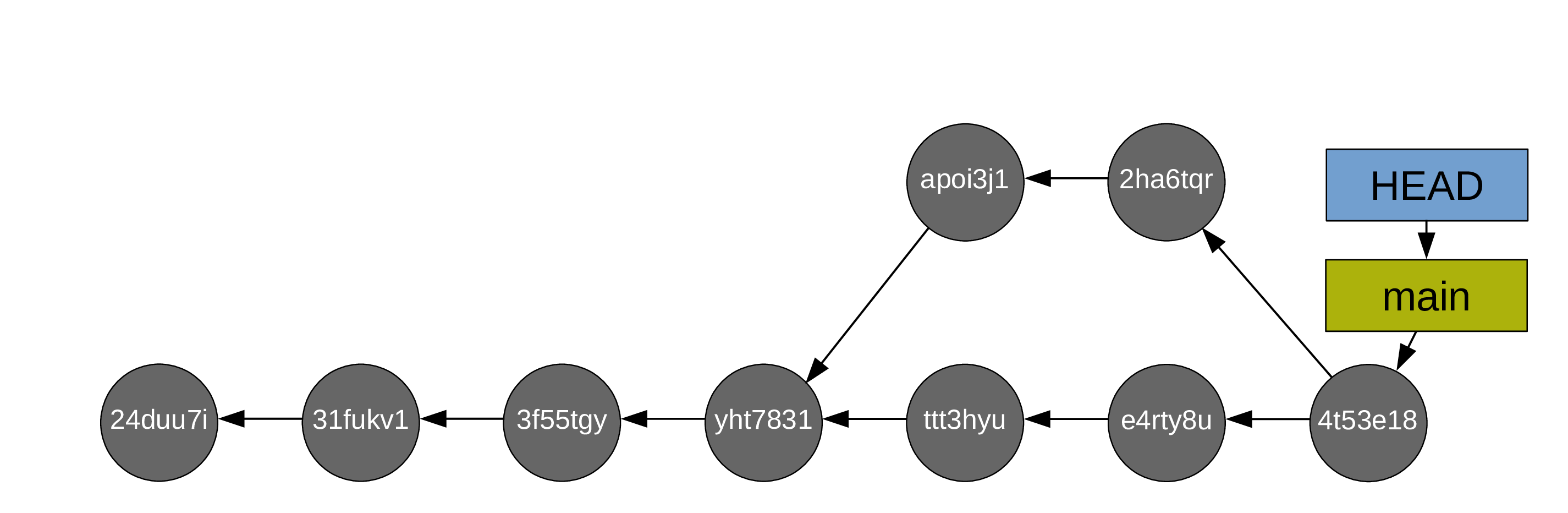
You can merge branches to bring your experiments into your main branch:
Time to get started!
