User interface
To understand the documentation, it is important to learn a little bit of Emacs terminology. Here, we will see what are Emacs windows, buffers, and other parts of the user interface.
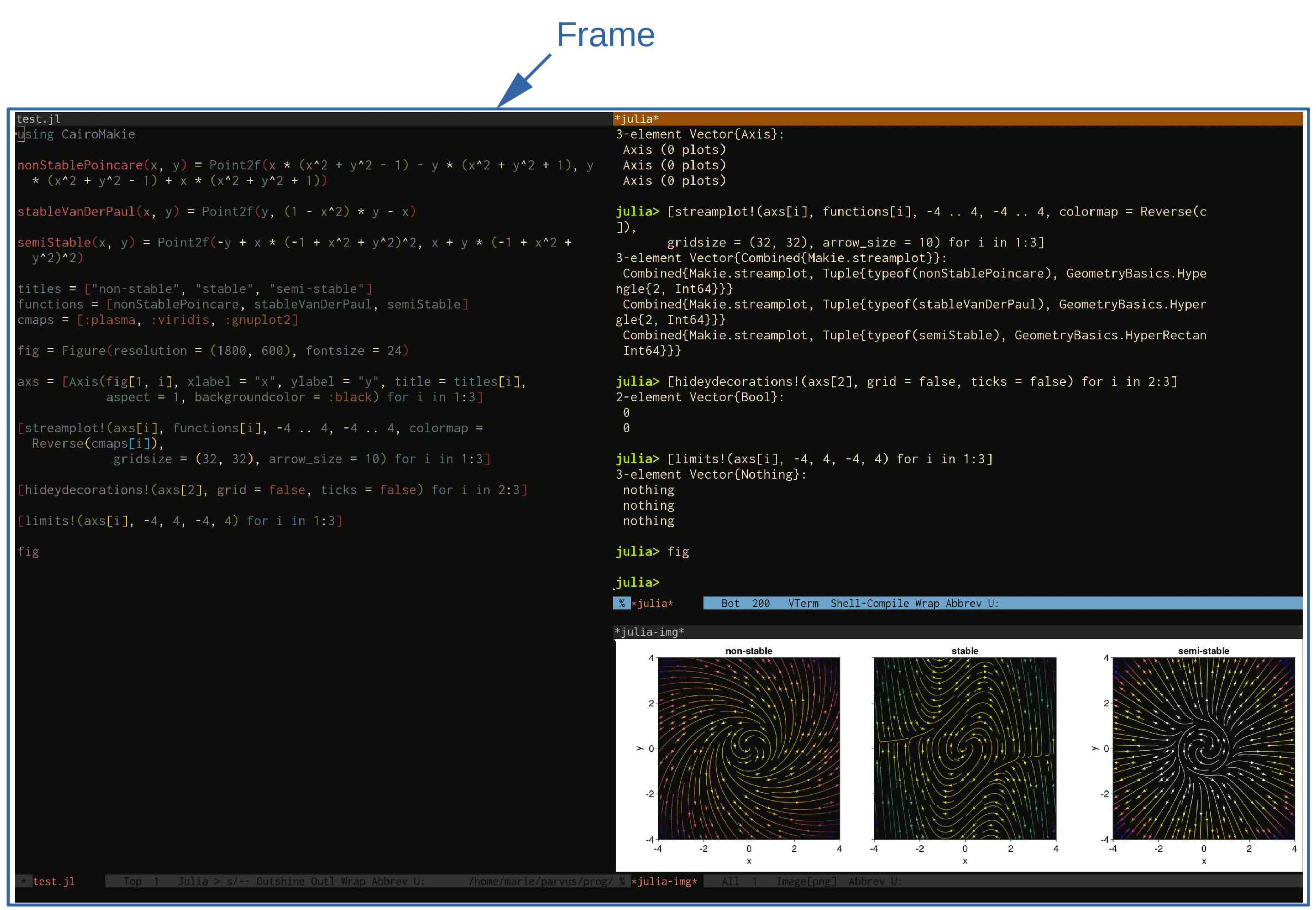
Emacs frames
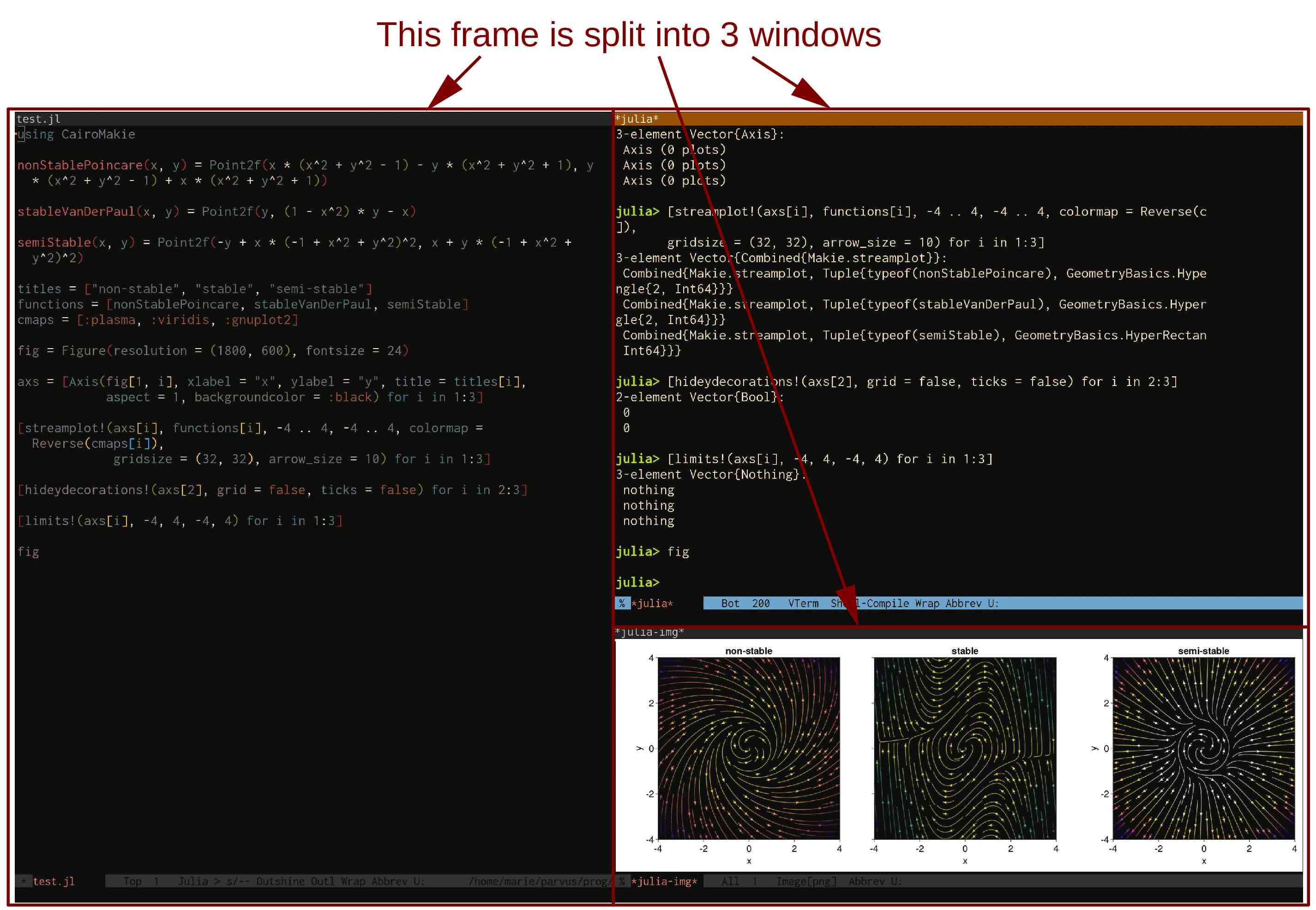
When Emacs is run in a GUI fashion, what the OS usually calls a window is actually called in Emacs terminology a frame. It is possible to launch several Emacs frames. Right now, because we are running Emacs directly in the terminal, we can only have one Emacs frame.
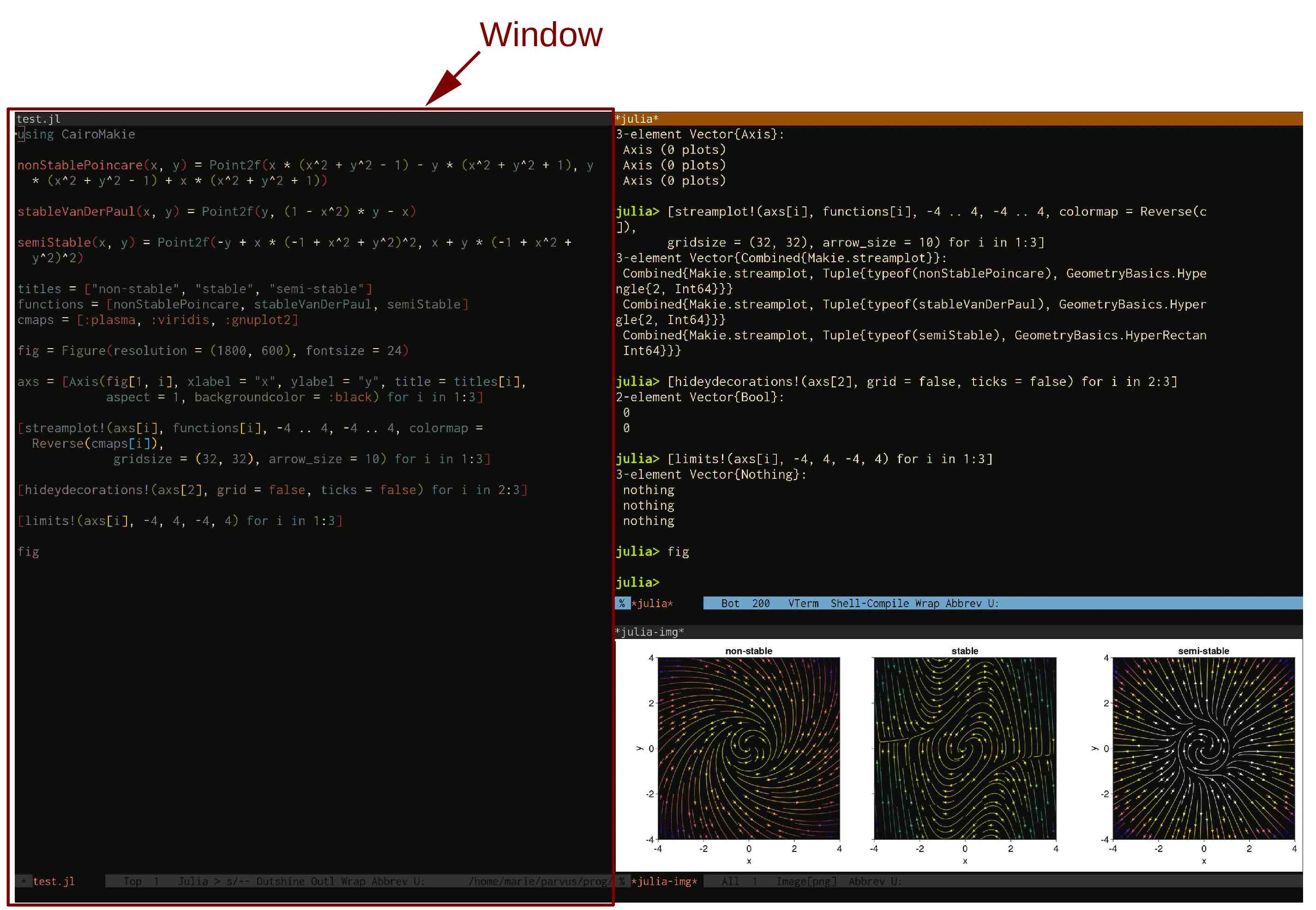
Emacs windows
A frame can contain one or several windows.
Buffers
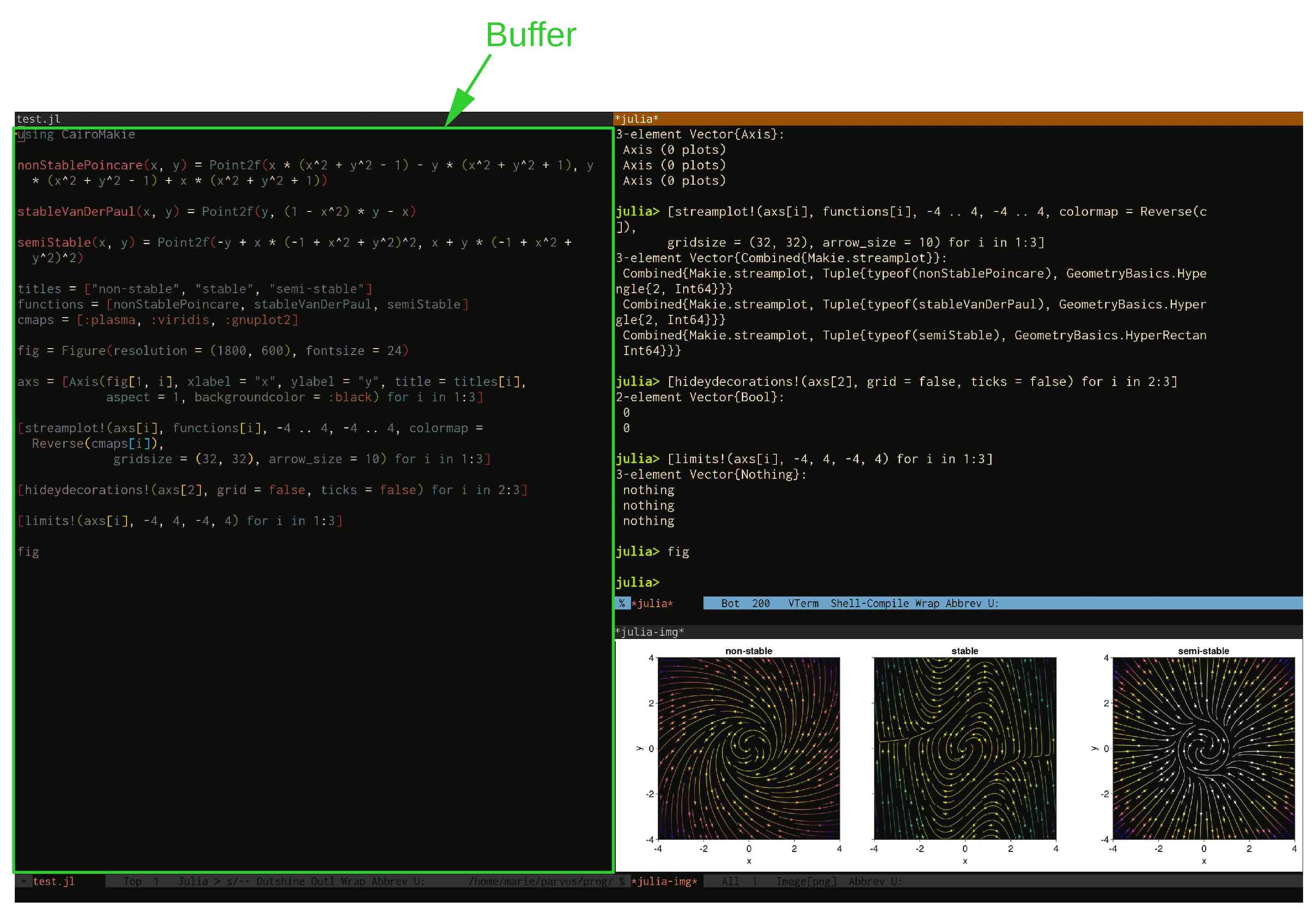
The part of the window that contains the text to edit is called a buffer.
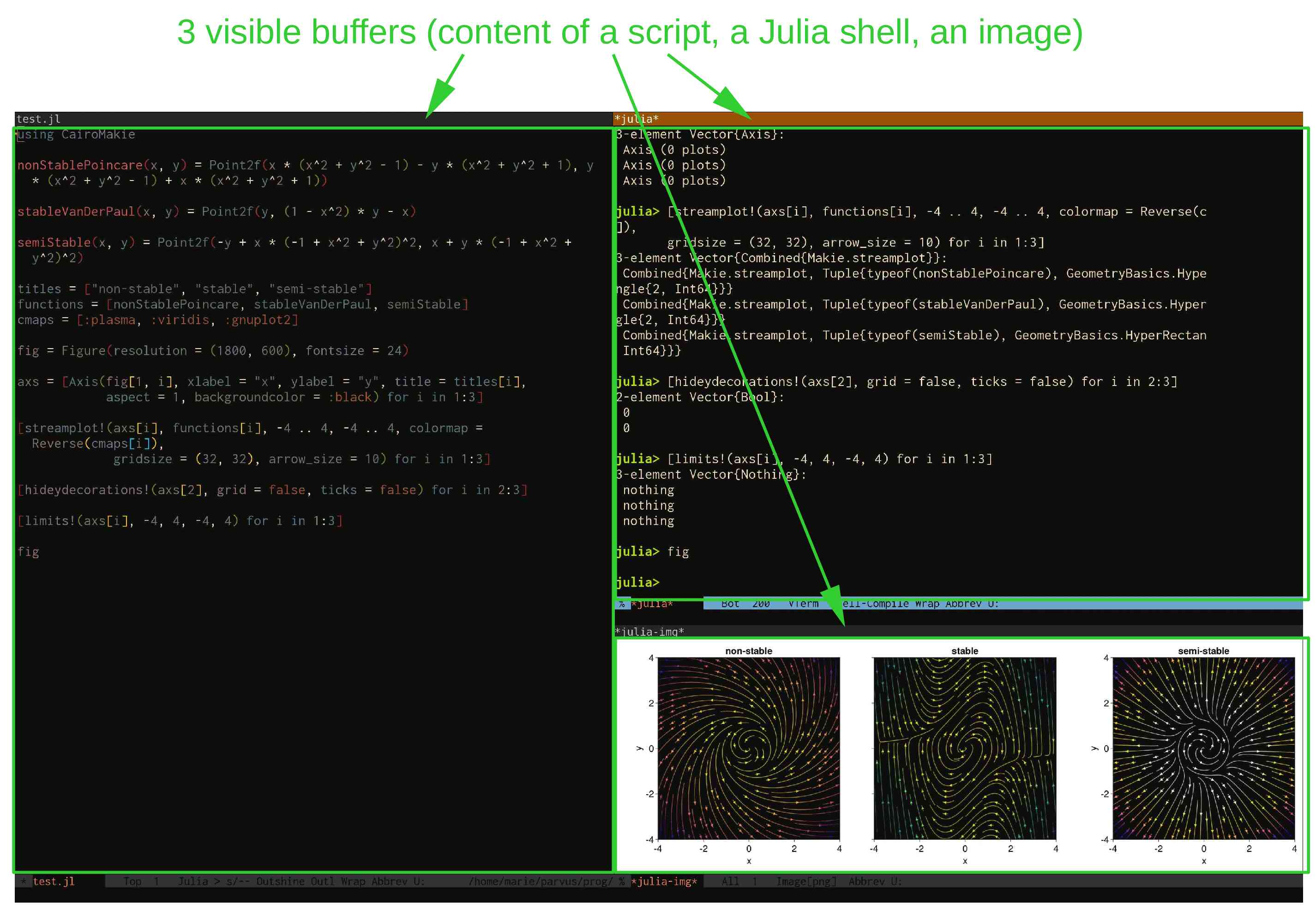
Buffers can hold the content of a file, a running process (e.g. REPL, shell), an image, a pdf…
Echo area
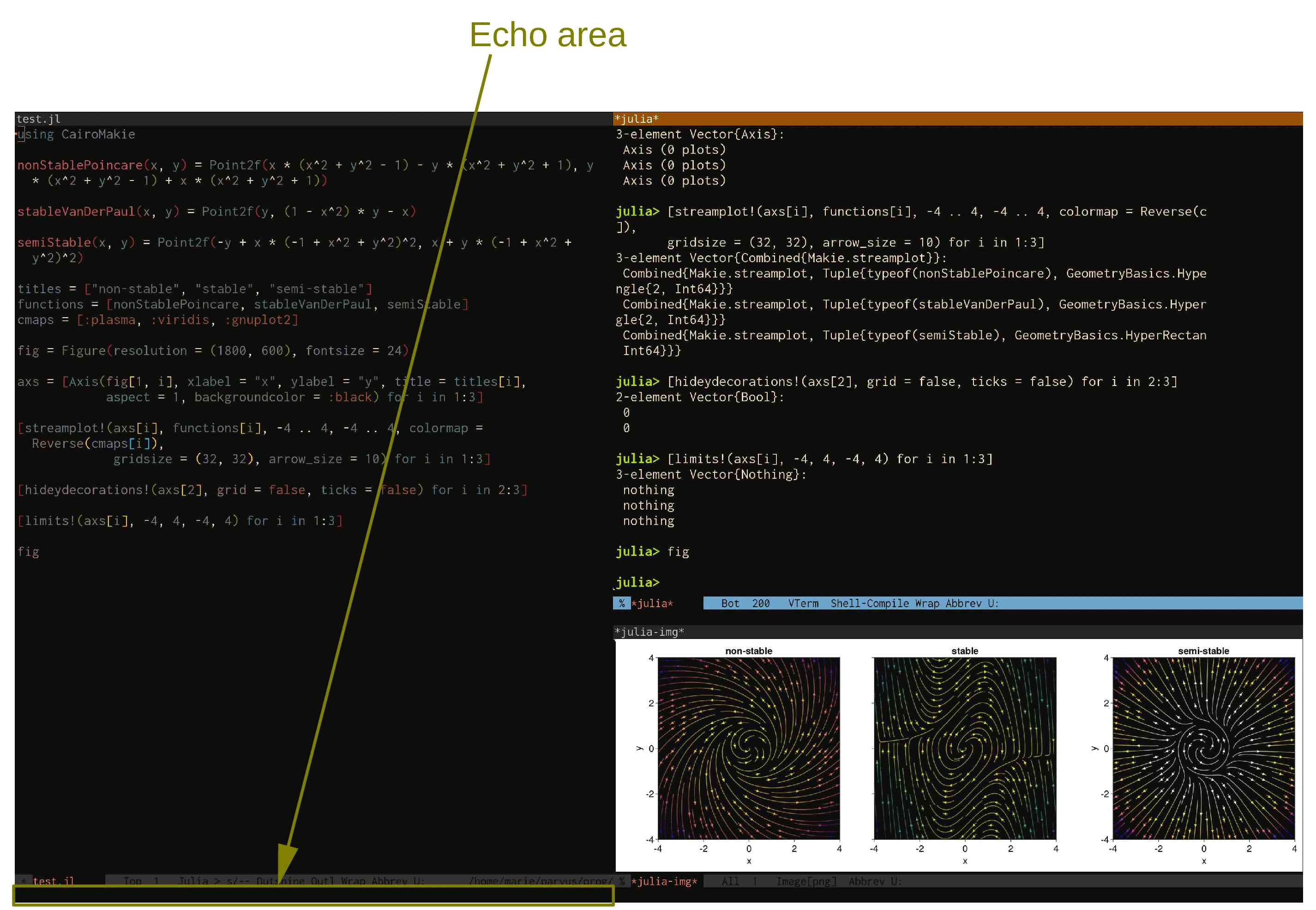
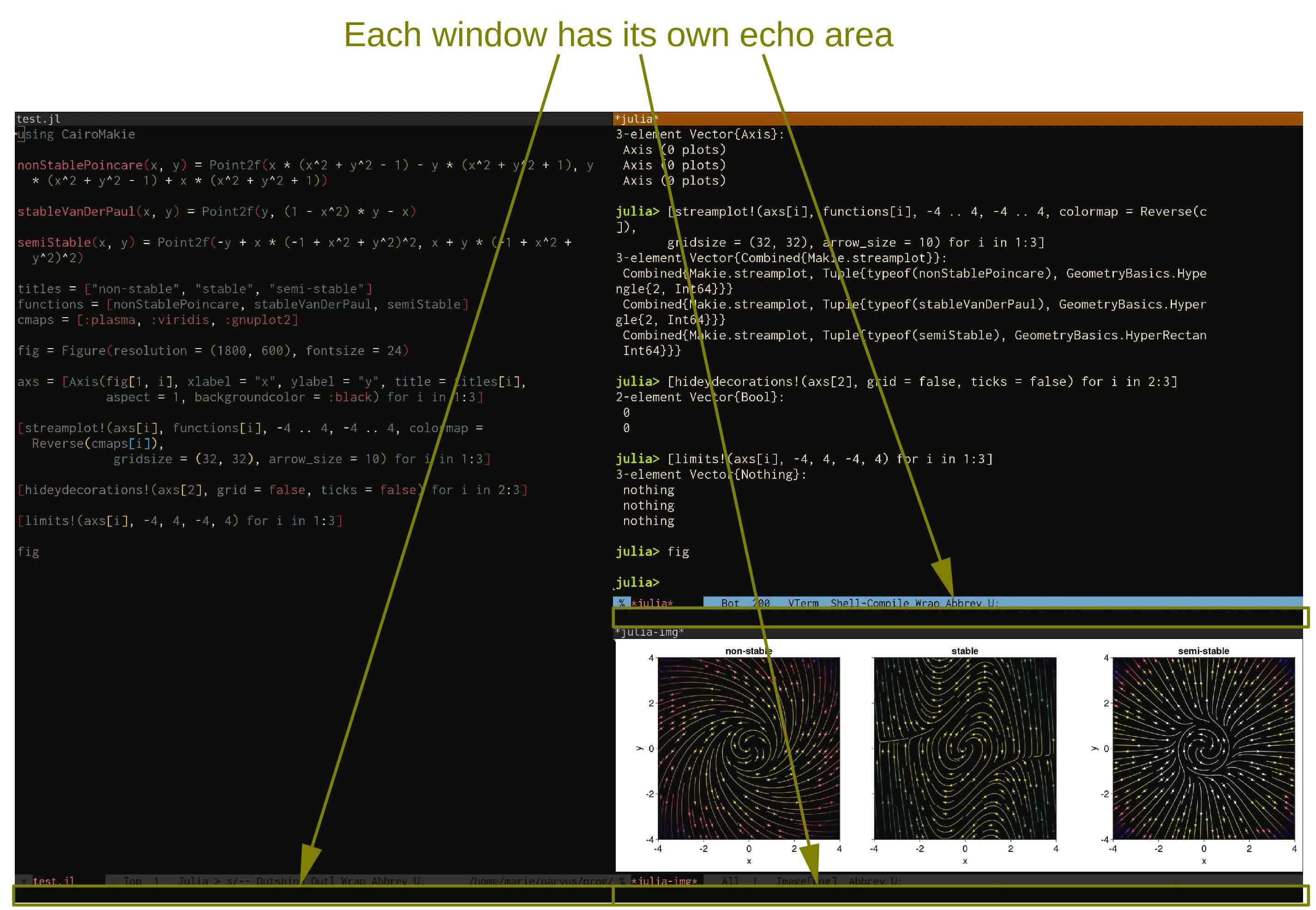
At the bottom of each window is an echo area. This is where Emacs prints outputs.
Minibuffer
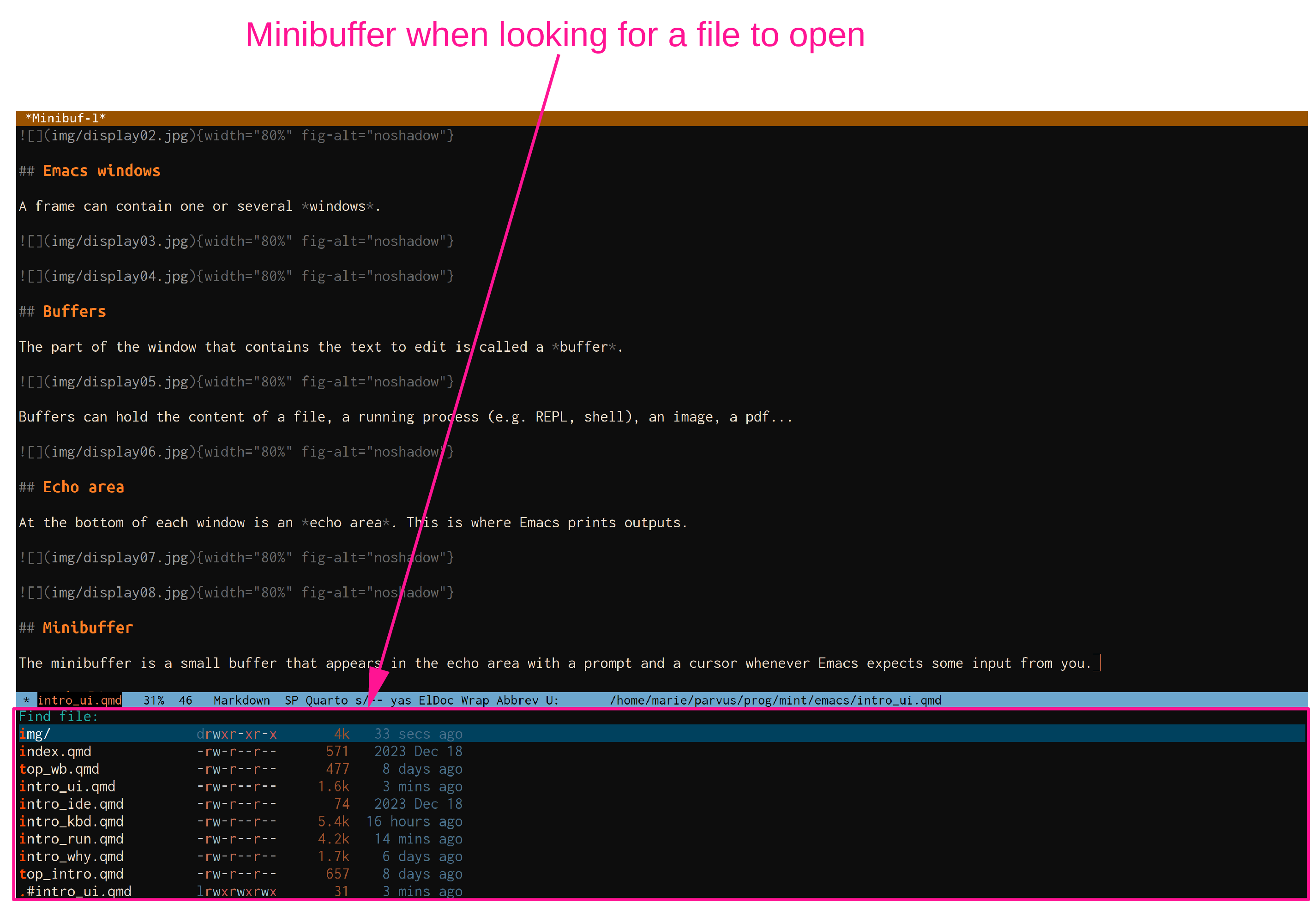
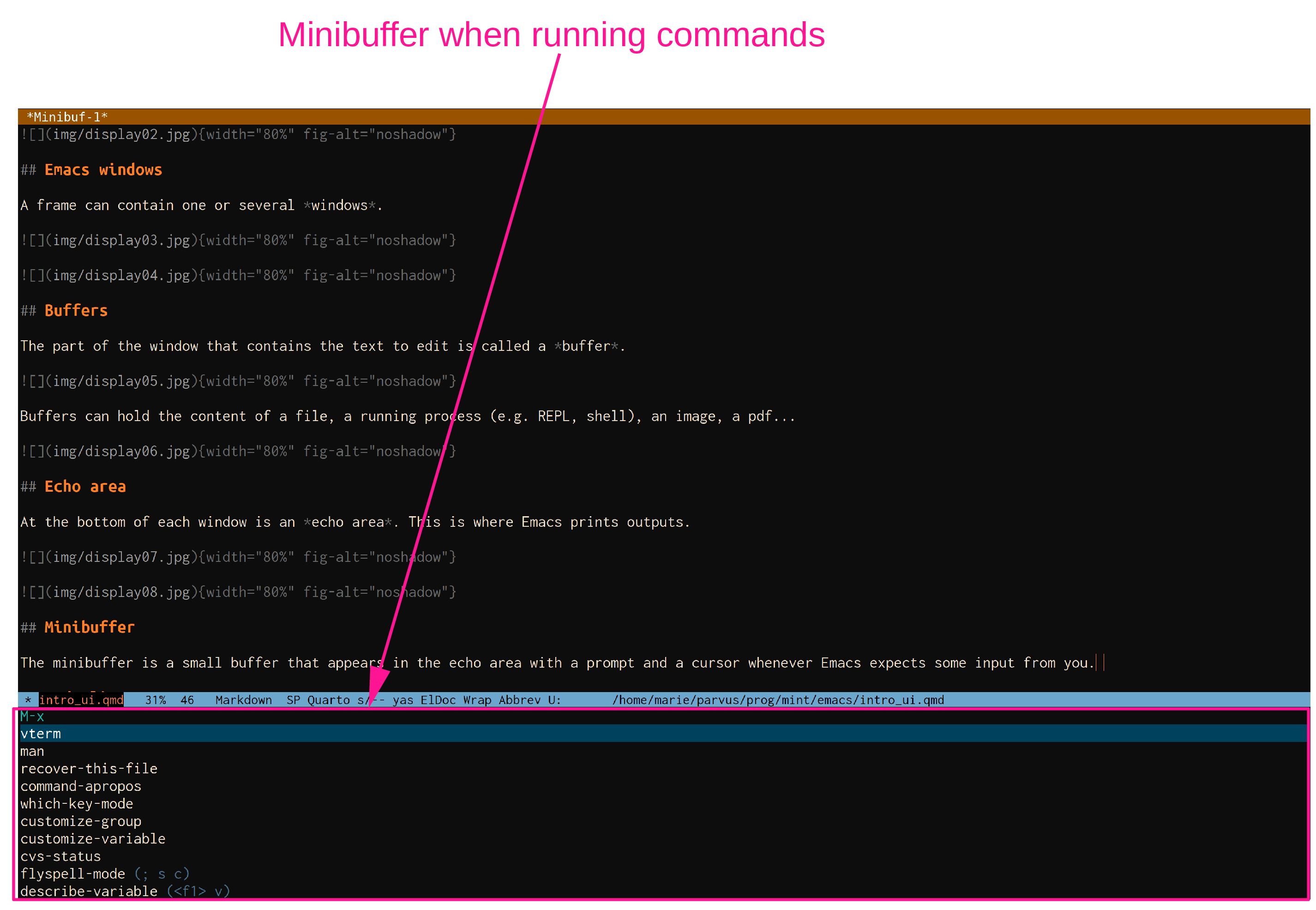
The minibuffer is a small buffer that appears in the echo area with a prompt and a cursor whenever Emacs expects some input from you.
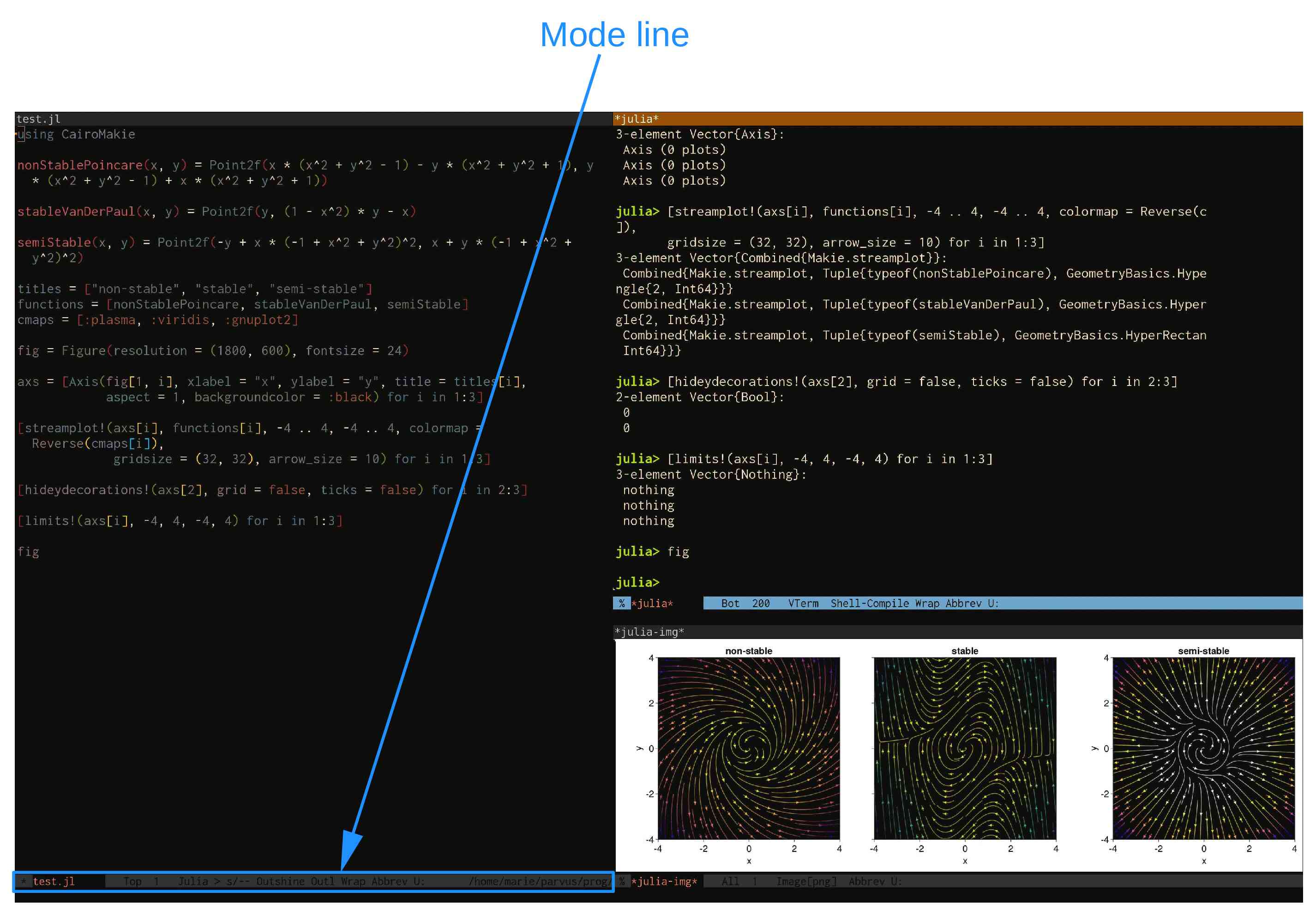
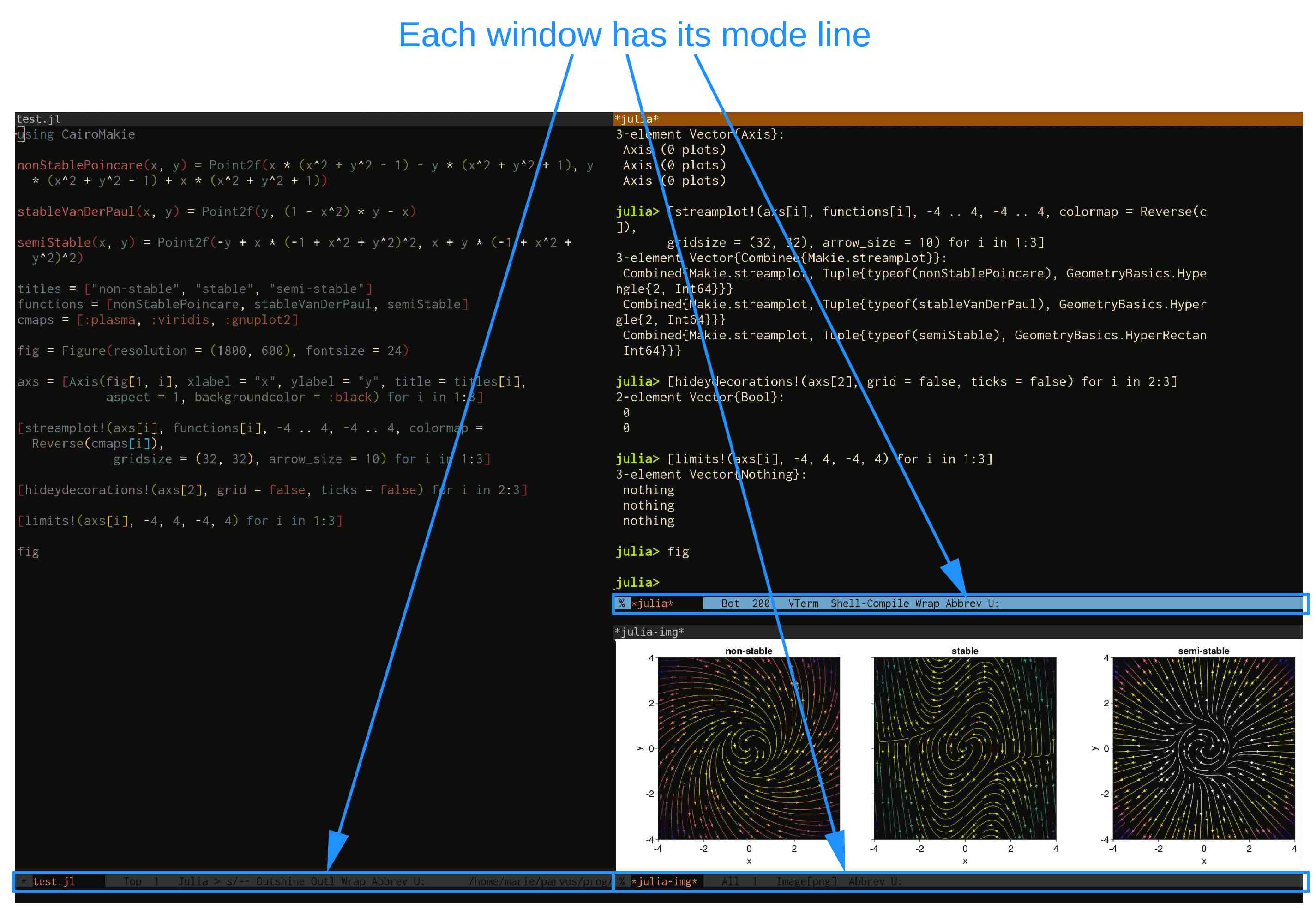
Mode line
Between the buffer and the echo area is the mode line, an area that gives information on running modes, file name and path, place of the cursor in the buffer, whether the document has been modified, etc.